MiniWar
Prepare to wage war ! (mouse and keyboard required for full gameplay)
You have tanks, jets, and troopships at your disposal - explore and conquer !
You control Blue, there are Red and Green computer controlled opponents.
Each player starts with their own single city, there are many neutral cities also.
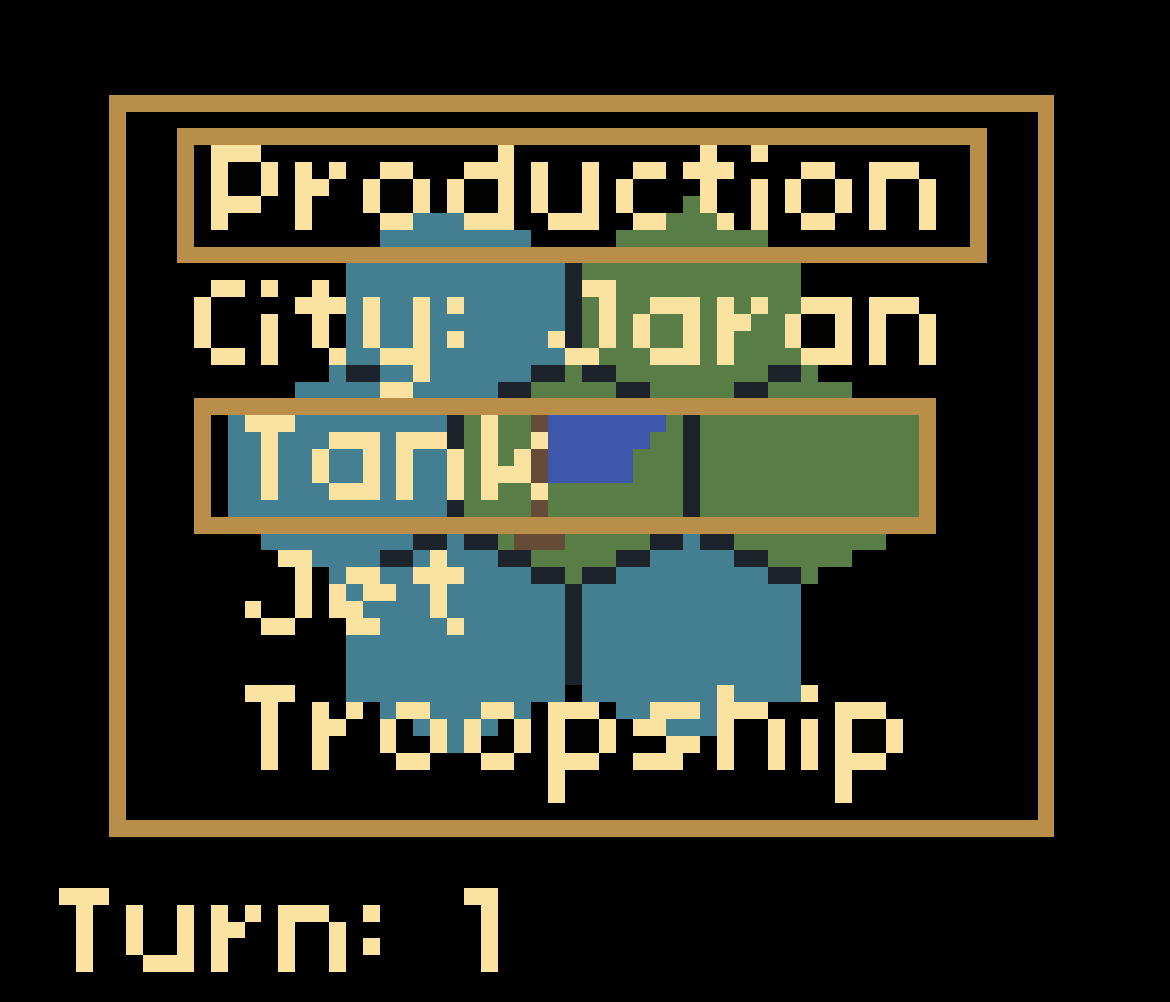
When the game starts, you must select what your starting city should produce.
(This can be changed at any time, however switching before a unit is produced will result in the loss of production turns invested thus far)
Every time a unit at a city is produced, the production menu for that city asks what you would like to produce there. Troopships can only be produced at cities which border the sea.
WASD or arrow keys to scroll map view (with fog of war limits)
space bar for unit to take no action and skip it's turn (not always available)
The active unit whose turn it is should have a white outline around it, and the camera will move to it. Click target hex to move, also click and hold to draw a line travel to hex (path dependant)
General unit movement per turn:
tank: 1 hex
jet: 5 hex
troopship: 3 hex
Troopships autoload tanks from a friendly city, and they have the option to disembark next to land or other friendly city. Tanks can also attack a neutral/enemy city that borders the sea directly from the troopship.
production:
tank - 5 turns
jet - 10 turns
troopship - 24 turns (cannot carry jets, can carry a max of 4 tanks)
Jets have a maximum range of 20, watch the fuel limits if you want to get back to a city to refuel and avoid crashing.
Battle options:
Tanks can capture cities and fight other tanks (or defend themselves against jets)
Jets can fight all units (but not cities)
Troopships can fight other troopships (or defend themselves against jets)
The e key to put a unit into sentry mode (it auto skips turns)
b to destroy a unit (self-destruct, just incase to avoid getting stuck)
Right click to enter/exit 'command mode' - in command mode you can bring units in or out of sentry. Putting a unit in/out of sentry clears it's travel plans.
If you click on a city while in command mode, you can change what it is set to produce.
You can press c to toggle computer control, so the computer can optionally play Blue.
Download